
Techniques to reduce EHR usability burden
You can implement techniques to make your EHR more usable. Take advantage of these tips, which fall into three main areas.
- Techniques on this page
- Eliminate work
- Optimize your EHR
- Delegate tasks

Why EHR usability matters
A 2024 study published in the Annals of Family Medicine found that for every eight hours of patient care, family physicians’ time spent on the EHR rose by 28 minutes, and time spent on orders increased by 20 minutes. For every eight hours of patient care, physicians spent more than six hours on the EHR, including more than an hour per day entering orders. This additional work distracts from patient care and contributes to physician burnout.
Eliminate unnecessary work
Eliminating tasks and processes that detract from your patient care is crucial. EHRs are designed to support workflows for different physicians, specialties and practices. Make sure yours is configured to your practice’s real workflow, leaving out unnecessary steps and tasks. Create a list of burdensome tasks and ask your support team to help you eliminate them to simplify your processes. Such tasks could include:
Minimize alerts and redundant data fields
Retain only those alerts with evidence of a favorable cost-benefit ratio.
Reduce requirements for input of excessive clinical data prior to ordering a test (e.g., eliminate fields attesting to possible pregnancy in males or women over 60 years old).
Reduce note bloat and irrelevant inbox notifications
Streamline your templates and leverage documentation guidelines that require less work.
Reduce links that automatically pull in irrelevant or redundant data from other parts of the EHR.
Stop sending notifications for tests ordered but pending.
Stop sending notifications for tests ordered by another physician.
Eliminate multiple notifications of the same test result or consultation note.
Simplify order entry processes
Optimize technology to auto-populate necessary discrete data fields if the information already exists in the EHR (e.g., if your medical assistant [MA] has documented “last menstrual period,” pre-populate your pap smear order).
Create order sets or personalized templates, and make sure you understand how your EMR assists you in streamline ordering.
Use verbal orders
Allow verbal orders in low-risk and crisis situations as legally permitted.
AMA STEPS Forward: Taming the EHR playbook
Optimize your EHR system
Tasks and processes you can’t eliminate still can be improved with attention to hardware and software solutions.
Install widescreen monitors (at least 24 inches).
Optimize screen real estate, particularly on the initial screen, to reduce clicks.
Have networked printers in every exam room if printing items for patients or other use.
Optimize sign-in processes with technology, such as radio frequency identification or bio-identification.
Optimize exam room layouts for your workflow, team documentation and information sharing.
Optimize templates and macros
Make sure your templates and macros are optimized for the least clicks in documentation.
Build pre-populated templates for common visit types (e.g., a viral upper respiratory infection [URI] or a skin procedure).
Use favorites lists
Save your most common medications prescribed, admitting conditions or other orders in a favorites folder for easy reuse.
Use a patient portal
Encourage patients to use the portal, allowing tasks to be transferred to the care team or the patient.
Configure user-defined filters
Optimize EHR use and configuration so that it presents only the information you need for tasks.
Set default filters to deliver the most important information when you first open a patient’s record.
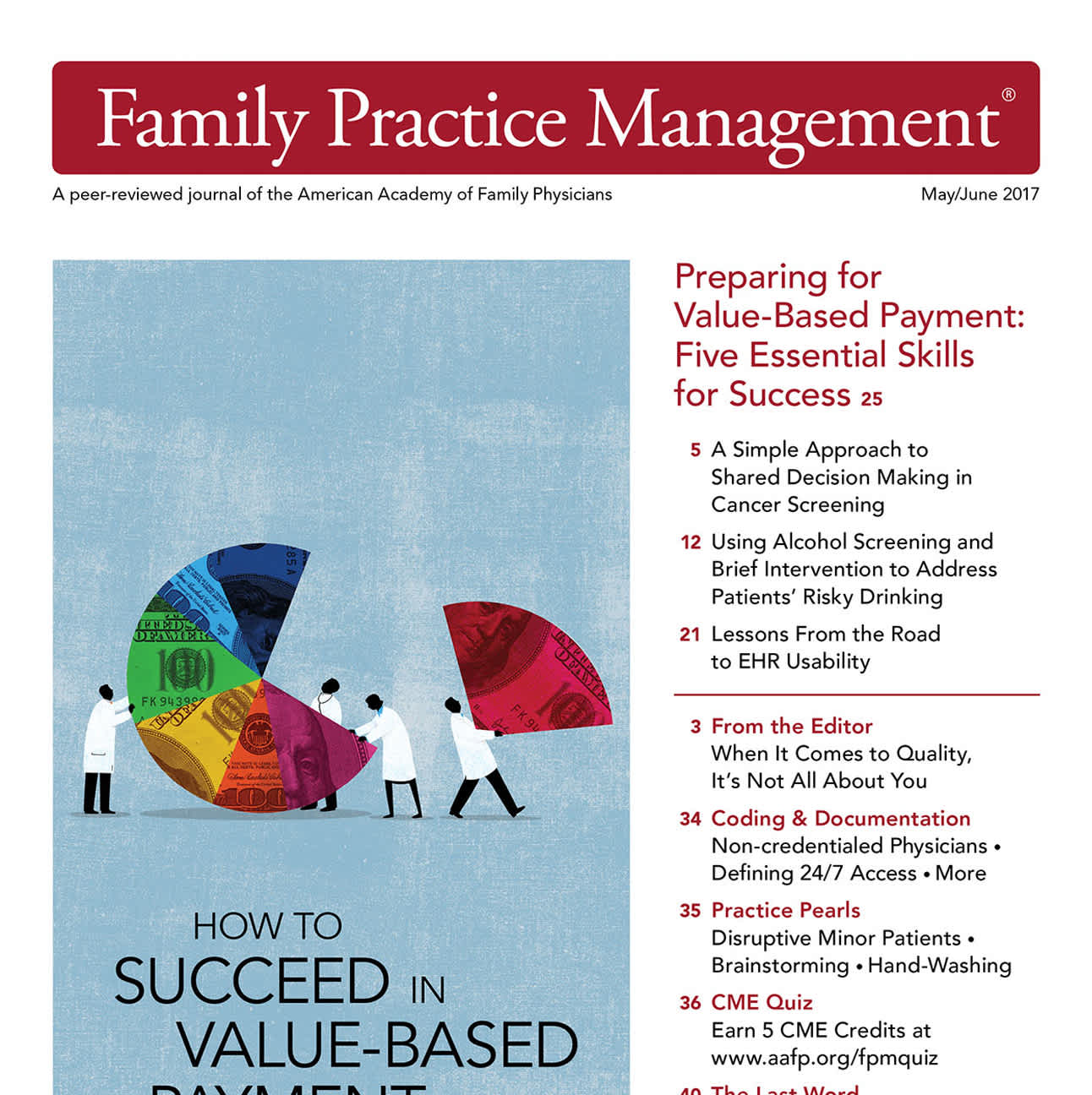
FPM: Lessons from the road to EHR usability
Delegate tasks strategically
Many EHRs were designed to be physician-centered, placing the burden of most tasks on you. But many of your EHR tasks can be delegated to other members of your care team, reducing your workload.